Screenshots


Low risk impact
Is 1Password – Password Manager Chrome extension safe?
The 1Password – Password Manager Chrome extension is considered low risk. It only requests basic permissions that do not broadly expose your personal data or browsing history. It is generally safe to install.
Our Recommendation: Safe to install.
Keeping track of dozens of unique online accounts without reusing weak combinations takes constant effort. 1Password – Password Manager steps in to handle login credentials, generating secure keys and filling forms automatically directly inside your browser.
Protecting Your Digital Identity Online
Most people struggle to remember separate credentials for every web service they use. Relying on a single memorable phrase unlocks a vault where all other sensitive information stays protected. This browser tool takes over the burden of creating unique strings for every single login form you encounter.
Key Features of the Extension
- Generates strong, random credentials for every new account you create.
- Saves login details automatically as you type them into web forms.
- Fills stored usernames and keys with a single click.
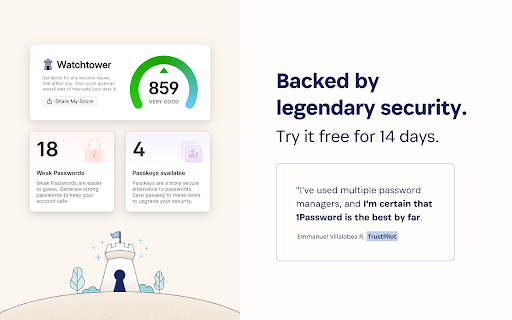
- Supports passkeys for modern passwordless authentication workflows.
- Keeps all stored data encrypted so only you hold the decryption key.
- Integrates smoothly with your active subscription membership.
How It Compares to LastPass and Other Chrome Extensions
Compared to LastPass alternative tools, 1Password focuses heavily on zero-knowledge architecture and strict privacy standards. Your data remains encrypted locally before syncing, ensuring that the developer cannot read your vault contents under any circumstances.
Privacy and Data Protection Standards
Privacy forms the core of this service. The developer states clearly that user information is neither sold nor shared. Because encryption happens on your device, your master key stays private.
Add 1Password – Password Manager to Chrome
This browser add-on is available for free download on the Web Store, though an active membership is required to unlock full vault features. You can run the 1Password – Password Manager Chrome extension on Microsoft Edge, Brave, and other Chromium browsers as well. Download the 1Password – Password Manager Chrome extension to manage login credentials directly from the Chrome Web Store.