
Screenshots



Low risk impact
Is Adblock Plus - free ad blocker Chrome extension safe?
The Adblock Plus - free ad blocker Chrome extension is considered low risk. It only requests basic permissions that do not broadly expose your personal data or browsing history. It is generally safe to install.
Our Recommendation: Safe to install.
Most people who browse video sites and news pages every day are tired of dealing with sudden pop-ups and loud video commercials. Adblock Plus - free ad blocker is a popular browser tool that lets you clean up your screen and enjoy a calmer web experience right from your toolbar.
Getting Started with This Extension
Since 2006, this software has helped millions of people take control of what loads on their screens. When you add this helper to your browser, it starts working immediately in the background without needing complicated setup steps.
Essential Features for Everyday Browsing
Adblock Plus - free ad blocker is a lightweight browser extension that includes several useful capabilities:
- Block annoying ads like pop-ups, video ads, and banners across your favorite sites.
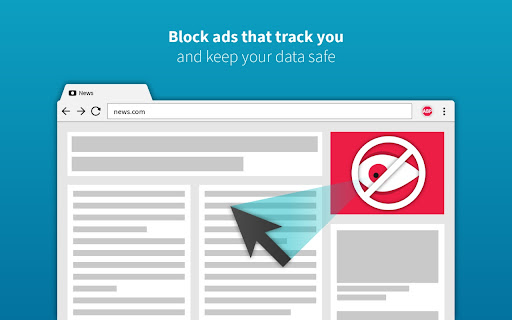
- Block third-party trackers to keep your information more private from online advertisers.
- Reduce cyber fraud from malicious ads with viruses and phishing scams that target your accounts.
- Personalize your browsing by choosing what to block and what to allow on specific pages.
- Enjoy free and responsive support from the developer team when you need help.
How It Compares to uBlock Origin and Other Options
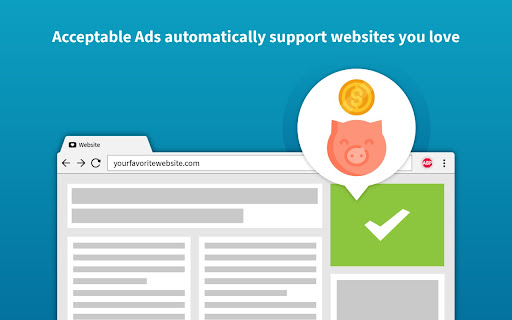
When looking at a uBlock Origin alternative, many users choose this tool because it remains fully compatible with the latest browser updates. It balances ad blocking with the Acceptable Ads Standard by default, which helps support creators while keeping your pages clean. You can easily turn off acceptable ads in the settings menu if you prefer to block every single commercial.
Privacy and Safety Considerations
When installing the software, you might see a standard permission warning about reading website data. The developers state that this permission is only used to run the filtering logic and that identifying user data is not collected. Users should always review the official privacy policy before adding new tools to their browser.
Try Adblock Plus - free ad blocker on Chrome Today
The Adblock Plus - free ad blocker Chrome extension is available for free — click the button on the Web Store to add it and start blocking annoying pop-ups right away. It also works smoothly on other popular web browsers like Microsoft Edge and Firefox.



