Chrome //
Extensions
Chrome //
Extensions  Chrome
Web store
Chrome
Web store from Helvetica to San Francisco Chrome Extension

-
Chrome Extension Page
-
Total Number of Extension users:200 +
-
Reviewed by :7 Chrome Users
-
Author Name:
-
['Yamato Iizuka']
 [NOTE]
This extension does not run properly in some web pages. Ill try to fix it.
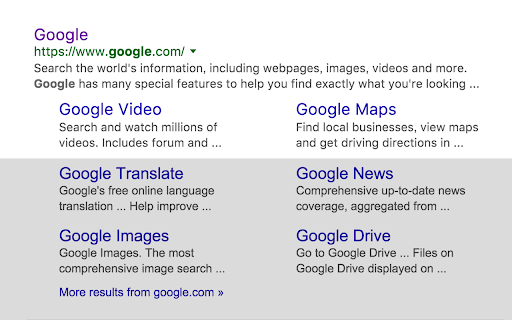
How to install from Helvetica to San Francisco chrome extension in chrome Browser
You can Follow the below Step By Step procedure to install the from Helvetica to San Francisco Chrome Extension to your Chrome Web browser.
- Step 1: Go to the Chrome webstore https://chrome.google.com/webstore or download the extension from Helvetica to San Francisco Chrome Extension Download from https://pluginsaddonsextensions.com
- Step 2: Now search for the from Helvetica to San Francisco in Chrome Webstore Search and click on the search button.
- Step 3: click on the from Helvetica to San Francisco Chrome Extension Link
- Step 4: in the next page click on the Add to Chrome button to Download and Install the from Helvetica to San Francisco extension for your Chrome Web browser .
from Helvetica to San Francisco Chrome extension Download
Looking for a method to from Helvetica to San Francisco Download for Chrome then this download link is for you.It is the from Helvetica to San Francisco Chrome extension download link you can download and install Chrome Browser.
Download from Helvetica to San Francisco chrome extension (CRX)
-
Replaces Helvetica Neue font family from CSS font stack to use next fallback.
-
Inserts CSS to optimize page text.
-
A Chrome extension to turn off website text anti-aliasing. http://usabilitypost.com/2012/11/05/stop-fixing-font-smoothing/
-
Changes all the UI font to a user-given font.
-
Disables anti-aliasing.
-
Enable Kerning & Grayscale Anti-Aliasing for chrome on macOS
-
Adds configurable font anti-aliasing to all webpages you visit.