Chrome //
Extensions
Chrome //
Extensions  Chrome
Web store
Chrome
Web store Sandals Screen Recorder Chrome Extension

-
Chrome Extension Page
-
Total Number of Extension users:313 +
-
Reviewed by :2 Chrome Users
-
Author Name:
-
['kramasatish.mca']
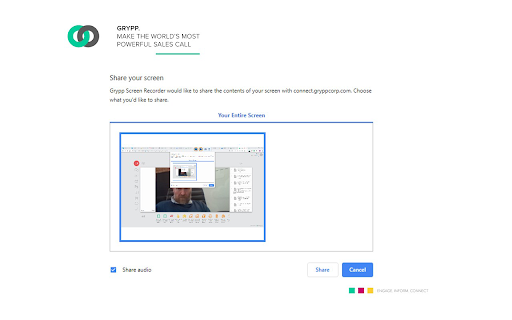
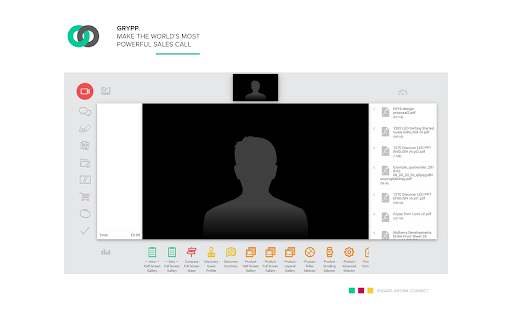
Recording Screen with audio Grypp Corp allows you to share your screen or a specific application during a Grypp call. You will be able to share with all participants regardless of the browser the participants are using. The service is fully secure and you are always in control of what is shared and when it is shared

How to install Sandals Screen Recorder chrome extension in chrome Browser
You can Follow the below Step By Step procedure to install the Sandals Screen Recorder Chrome Extension to your Chrome Web browser.
- Step 1: Go to the Chrome webstore https://chrome.google.com/webstore or download the extension Sandals Screen Recorder Chrome Extension Download from https://pluginsaddonsextensions.com
- Step 2: Now search for the Sandals Screen Recorder in Chrome Webstore Search and click on the search button.
- Step 3: click on the Sandals Screen Recorder Chrome Extension Link
- Step 4: in the next page click on the Add to Chrome button to Download and Install the Sandals Screen Recorder extension for your Chrome Web browser .
Sandals Screen Recorder Chrome extension Download
Looking for a method to Sandals Screen Recorder Download for Chrome then this download link is for you.It is the Sandals Screen Recorder Chrome extension download link you can download and install Chrome Browser.
Download Sandals Screen Recorder chrome extension (CRX)
-
Simplest screen capture and video recorder for your Chrome browser. Create, sketch, annotate and download to share
-
The best all-in-one online screen capture, video recording and streaming software that is available for free.
-
Free Simple tool for high quality video capturing from Tab, Area of the page and full Screen, with Mic, Webcam and System audio
-
tabs
-
Record video, screen, or both. Track views and chat live while they watch.
-
Free 1-hr screen recording with voice and camera.
-
Install this plugin to allow desktop sharing in SkyRooms.IO conferencing
-
One-click to start your unlimited recordings!
-
Record screen along with audio and making the recording downloadable