Chrome //
Extensions
Chrome //
Extensions  Chrome
Web store
Chrome
Web store EasyForm AutoFill Chrome Extension


-
Chrome Extension Page
-
Total Number of Extension users:7K +
-
Reviewed by :23 Chrome Users
-
Author Name:
-
['emagrorrimxguo@gmail.com', 'GX']
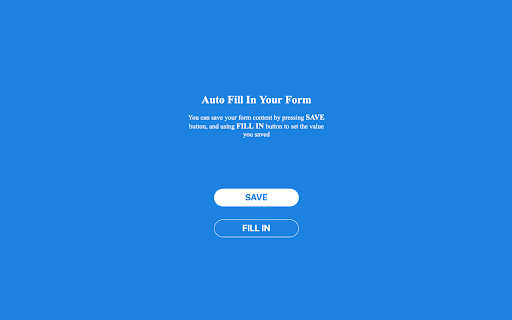
You can save your form content by pressing 'SAVE' button, and using 'FILL IN' button to set the value you saved
How to install EasyForm AutoFill chrome extension in chrome Browser
You can Follow the below Step By Step procedure to install the EasyForm AutoFill Chrome Extension to your Chrome Web browser.
- Step 1: Go to the Chrome webstore https://chrome.google.com/webstore or download the extension EasyForm AutoFill Chrome Extension Download from https://pluginsaddonsextensions.com
- Step 2: Now search for the EasyForm AutoFill in Chrome Webstore Search and click on the search button.
- Step 3: click on the EasyForm AutoFill Chrome Extension Link
- Step 4: in the next page click on the Add to Chrome button to Download and Install the EasyForm AutoFill extension for your Chrome Web browser .
EasyForm AutoFill Chrome extension Download
Looking for a method to EasyForm AutoFill Download for Chrome then this download link is for you.It is the EasyForm AutoFill Chrome extension download link you can download and install Chrome Browser.
Download EasyForm AutoFill chrome extension (CRX)
-
This extension will help delvelopers to fill random values in the form
-
Enter text into input fields by choosing items from the context menu or using the optional autocomplete.
-
One-click form filler that supports multiple profiles and regular expression rules
-
Automatically fills google forms.
-
Populate form fields with one click. This is BETA version.
-
The most popular autofill extension, boosting productivity since 2010.
-
Simply fill forms with SimpleFill. The simplest and easiest form filler ever.