Chrome //
Extensions
Chrome //
Extensions  Chrome
Web store
Chrome
Web store My Webrequest Chrome Extension


-
Chrome Extension Page
-
Total Number of Extension users:2K +
-
Reviewed by :16 Chrome Users
-
Author Name:
-
['True', 'Saiya']
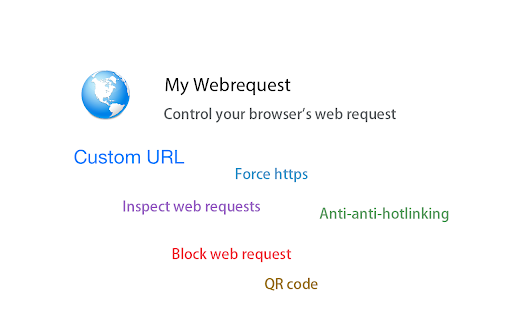
 This extension can be used to manage Chromes web request:
  1. custom URL,  auto redirect to a related URL
  2. blocking request
  3. forcing HTTPS connection
  4. browse hotlinking pictures
  5. inspect network requests
  6. Get current pages QR code
  7. stop google search results redirects
  8. Chinese only: speed up website that using Google CDN
Please read the help content in option page before using.

Changelog
v 0.8:
  minor bug fixes
v 0.7:
  1. added feature custom, it can redirect an URL to a related one automatically
  2. added backup/restore functions

v 0.5:
  1. fixed a bug causing hotlinking not working
  2. you can now change extension icon style in Options→Settings


How to install My Webrequest chrome extension in chrome Browser
You can Follow the below Step By Step procedure to install the My Webrequest Chrome Extension to your Chrome Web browser.
- Step 1: Go to the Chrome webstore https://chrome.google.com/webstore or download the extension My Webrequest Chrome Extension Download from https://pluginsaddonsextensions.com
- Step 2: Now search for the My Webrequest in Chrome Webstore Search and click on the search button.
- Step 3: click on the My Webrequest Chrome Extension Link
- Step 4: in the next page click on the Add to Chrome button to Download and Install the My Webrequest extension for your Chrome Web browser .
My Webrequest Chrome extension Download
Looking for a method to My Webrequest Download for Chrome then this download link is for you.It is the My Webrequest Chrome extension download link you can download and install Chrome Browser.
Download My Webrequest chrome extension (CRX)
-
HTTP Header Spy enables you to inspect request- response headers and cookies right after page load with no extra clicks.
-
Code Cleaner 可以清除代码中的冗余信息,得到简洁可复用的DOM结构。
-
Manage the chrome extensions. One click to enable or disable extension. Group extensions and drag it. Sort extensions by drag it.
-
Displays the country of the current website's server in addition to the MozRank.
-
Unicodify non-ASCII characters in your JSON text.
-
Create a good search habit by yourself !
-
Log, edit and send HTTP requests
-
Hot Swap paths to files.
-
Automatically generate CSS selector for web structure analysis
-
Modify or change http request headers smartly and automatically.