Chrome //
Extensions
Chrome //
Extensions  Chrome
Web store
Chrome
Web store netmonitor Chrome Extension

-
Chrome Extension Page
-
Total Number of Extension users:0.9K +
-
Reviewed by :16 Chrome Users
-
Author Name:
-
[]
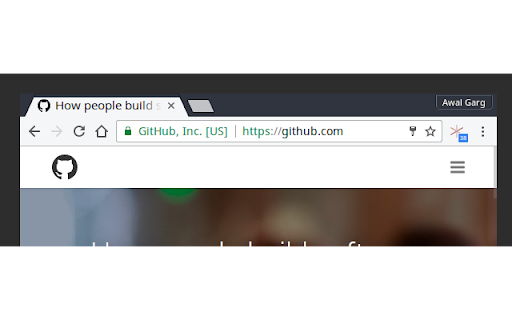
 The 'loading' icon for tabs in browsers only spins at first when the page is loaded. But even after that, web pages can do network IO via JavaScript in background without the user knowing. This extension highlights such network activity and shows a count of requests done till now by the page in a small indicator. Its updated in real-time for each tab.

A lot of web pages use background network requests for tracking user actions and sending data to remote servers, lazily loading heavy assets etc., and all that goes unnoticed by the user. Ideally, the browsers 'loading icon' should spin for those requests as well.

Uploaded to my account by request of the author.  Go star his GitHub project here: https://github.com/awalGarg/netmonitor
How to install netmonitor chrome extension in chrome Browser
You can Follow the below Step By Step procedure to install the netmonitor Chrome Extension to your Chrome Web browser.
- Step 1: Go to the Chrome webstore https://chrome.google.com/webstore or download the extension netmonitor Chrome Extension Download from https://pluginsaddonsextensions.com
- Step 2: Now search for the netmonitor in Chrome Webstore Search and click on the search button.
- Step 3: click on the netmonitor Chrome Extension Link
- Step 4: in the next page click on the Add to Chrome button to Download and Install the netmonitor extension for your Chrome Web browser .
netmonitor Chrome extension Download
Looking for a method to netmonitor Download for Chrome then this download link is for you.It is the netmonitor Chrome extension download link you can download and install Chrome Browser.
Download netmonitor chrome extension (CRX)
-
Simple tool to monitor network calls across all windows and tabs of your browser.
-
Useful information about your system's connection including, type, speed, and rtt.
-
Hacker News Enhanced.
-
Extension to display current internet quota usage.
-
Monitor, search your network requests, and download them easily
-
Inspect HTTP request headers, cookies, data, response Headers, cookies and add/modify request headers before sending requests
-
Monitor and test Internet connectivity. Detect and log when Internet doesn't work even with operating LAN (Wi-Fi or Ethernet)
-
Internet Usage extension for Google Chrome
-
Customizable And Programmable Web Data Monitor Framework
-
Displays Night Time Data on SLT usage meter.